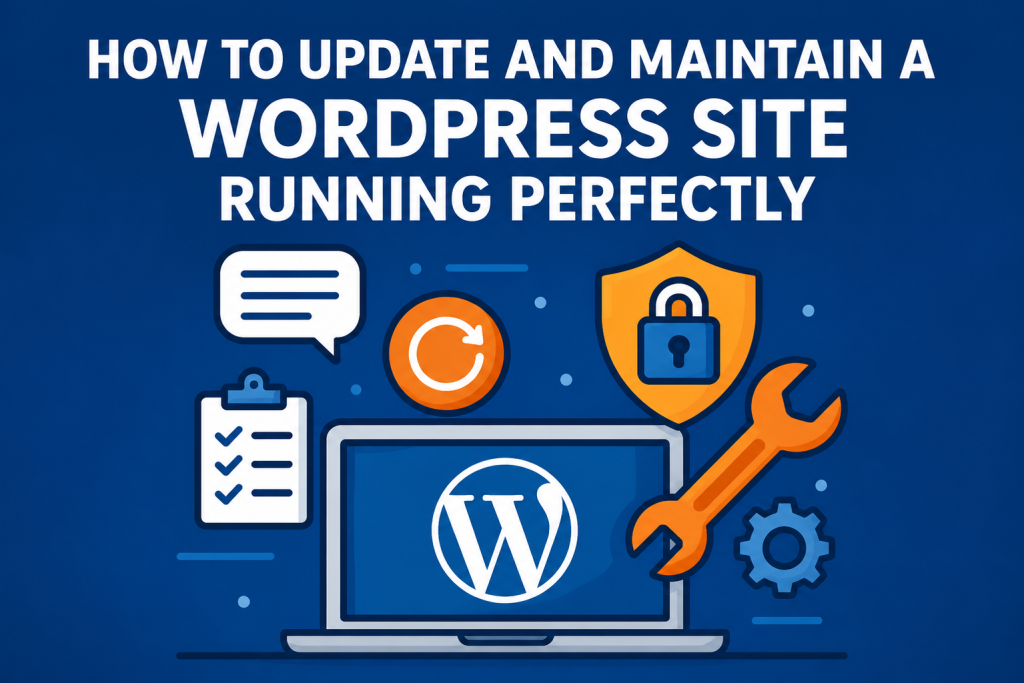
How to Update and Maintain a WordPress Website for Maximum Performance
Keeping a WordPress website stable, secure, and fast is an ongoing process — and one that directly impacts SEO, user experience, conversions, and brand reputation.
This practical WordPress maintenance guide covers the processes, tools, and best practices we apply in professional website development projects at ID7 Studio — strategies you can also implement in your own workflow.
Why WordPress Maintenance Matters
WordPress is the world’s most widely used CMS — which also makes it a common target for automated attacks searching for vulnerabilities.
Updating WordPress core files, plugins, and themes is not just about accessing new features. Updates also patch security flaws, prevent malware infections, and protect the integrity of your online business.
Official security recommendations can be found in Hardening WordPress and security references such as the OWASP Top 10, both of which are excellent frameworks for building stronger website security policies.
Regular Updates (Core, Plugins, and Themes)
Many WordPress security breaches happen because websites are outdated.
The cycle is simple: a vulnerability is discovered, a patch is released, and automated bots immediately begin scanning websites that haven’t updated yet.
That’s why keeping WordPress updated is fundamentally a security practice, not just a feature upgrade.
WordPress Update Best Practices
- WordPress Core: always keep the latest stable version installed and monitor official Security Releases.
- Plugins and Themes: use only trusted sources and avoid nulled or pirated plugins. Remove unused plugins entirely.
- Staging Environment: whenever possible, test updates in a staging environment before applying them to the live website.
- Maintenance Windows: schedule updates during lower traffic periods to minimize disruption.
- Pre-Update Backups: never update without a recent recovery point available.
External and Automated Backups
Backups are your website’s safety net.
However, storing backups on the same server as the website is a common mistake. If the hosting environment fails or becomes compromised, you may lose both the site and the backups simultaneously.
Publicly accessible backup files can also create serious security risks.
How to Build an Effective Backup Strategy
- Store Backups Externally: use managed backup systems, external cloud storage, S3 buckets, Google Cloud Storage, or services like CodeGuard.
- Automate the Process: establish backup schedules and retention policies such as daily, weekly, and monthly snapshots.
- Combine Full and Incremental Backups: reduce storage costs while improving recovery efficiency.
- Test Restores Regularly: an untested backup is not a reliable backup.
- Document Recovery Procedures: maintain a clear restoration workflow to reduce downtime.
If you use plugins such as UpdraftPlus, avoid storing backup packages directly inside the WordPress installation. Always configure secure remote destinations and external authentication keys.
Advanced Security (2FA, WAF, and Login Protection)
Modern website security depends on three principles:
- strong authentication;
- reduced attack surface;
- multiple layers of protection.
Essential WordPress Security Measures
- Two-Factor Authentication (2FA): enabling 2FA for the WordPress admin area dramatically reduces unauthorized access.
- Honeypots and Rate Limiting: protect against brute-force attacks and credential stuffing attempts.
- Web Application Firewall (WAF): tools like Wordfence, All In One WP Security, and iThemes Security help mitigate common attacks. Cloud-based solutions such as Cloudflare WAF add protection before traffic even reaches your server.
- IP Blocking and Geofencing: automatically block suspicious login patterns and malicious traffic sources.
- Least Privilege Access: assign permissions based on user roles and avoid shared administrator accounts.
- Hide Version Information and Headers: reduce automated fingerprinting attempts.
Combining DNS protection, CDN services, and Cloudflare security layers can also reduce DDoS risks while improving global performance.
Performance Optimization (Hosting, Cache, CDN, and Images)
Website speed affects both SEO and user experience.
Google emphasizes performance through its Page Experience guidelines and Core Web Vitals metrics.
Performance should be measured regularly using tools like PageSpeed Insights.
Key Performance Optimization Practices
- High-Quality Hosting: choose WordPress-optimized hosting environments with updated PHP versions, OPcache, HTTP/2 or HTTP/3, and Redis or Memcached support when applicable.
- Proper Cache Configuration: use advanced caching solutions such as LiteSpeed Cache or WP Rocket combined with browser, object, and page caching.
- CDN Integration: deliver assets from locations geographically closer to visitors and reduce server response times.
- Modern Image Formats: optimize images using WebP or AVIF, implement lazy loading, and define dimensions to prevent CLS issues.
- Plugin Optimization: keep your plugin stack lean and remove redundant or resource-heavy tools.
- Safe Minification: minify CSS and JavaScript carefully to avoid breaking website functionality.
If you are planning a redesign or a new website, working with specialists in brand identity, graphic design, and professional website development from the beginning can significantly improve long-term performance.
Monitoring Errors and Compatibility Issues
WordPress maintenance is not only about updating software — it’s also about continuous monitoring.
Broken links, plugin conflicts, abandoned tools, and performance degradation can create serious long-term problems.
Website Monitoring Checklist
- Google Search Console: monitor indexing, usability, and crawl reports regularly.
- Error Alerts: track 404 and 500-level server errors and configure uptime monitoring.
- PHP Compatibility: review plugins periodically to identify outdated or abandoned software.
- Debug and Logs: enable
WP_DEBUG_LOGin staging environments only — never on production websites. - Link Audits: repair broken links and implement 301 redirects whenever URLs change.
If your website already suffers from instability, slow loading times, or recurring errors, a professional WordPress recovery service may help restore performance and technical reliability.
When — and Why — to Professionalize WordPress Maintenance
Proper WordPress maintenance requires time, technical expertise, monitoring tools, and structured workflows.
For business owners who prefer focusing on growth rather than technical management, working with specialists is often the most efficient solution.
At ID7 Studio, in addition to building high-performance websites, we offer — exclusively for clients who develop their websites with us — premium hosting and ongoing WordPress maintenance services, including:
- 24/7 monitoring with vulnerability alerts and critical update management;
- Managed updates with rollback validation and testing;
- Full operational guarantee with bug fixes included;
- Routine optimization including database cleanup and spam removal;
- Continuous performance tuning for cache, CDN, and speed optimization;
- Monthly maintenance reports with transparent updates and improvement priorities.
The result is a website that remains secure, fast, stable, and fully operational long after launch.
Conclusion
Keeping a WordPress website running perfectly requires a structured maintenance process that includes external backups, responsible updates, layered security, performance optimization, and proactive monitoring.
If managing all of this internally is not practical for your business, working with specialists can provide both security and peace of mind.
Want to evaluate your current website or learn more about our premium maintenance services for ID7 Studio clients?
Talk to a specialist and receive a performance-focused website analysis.